 Pro-Punch
Put it on the plan
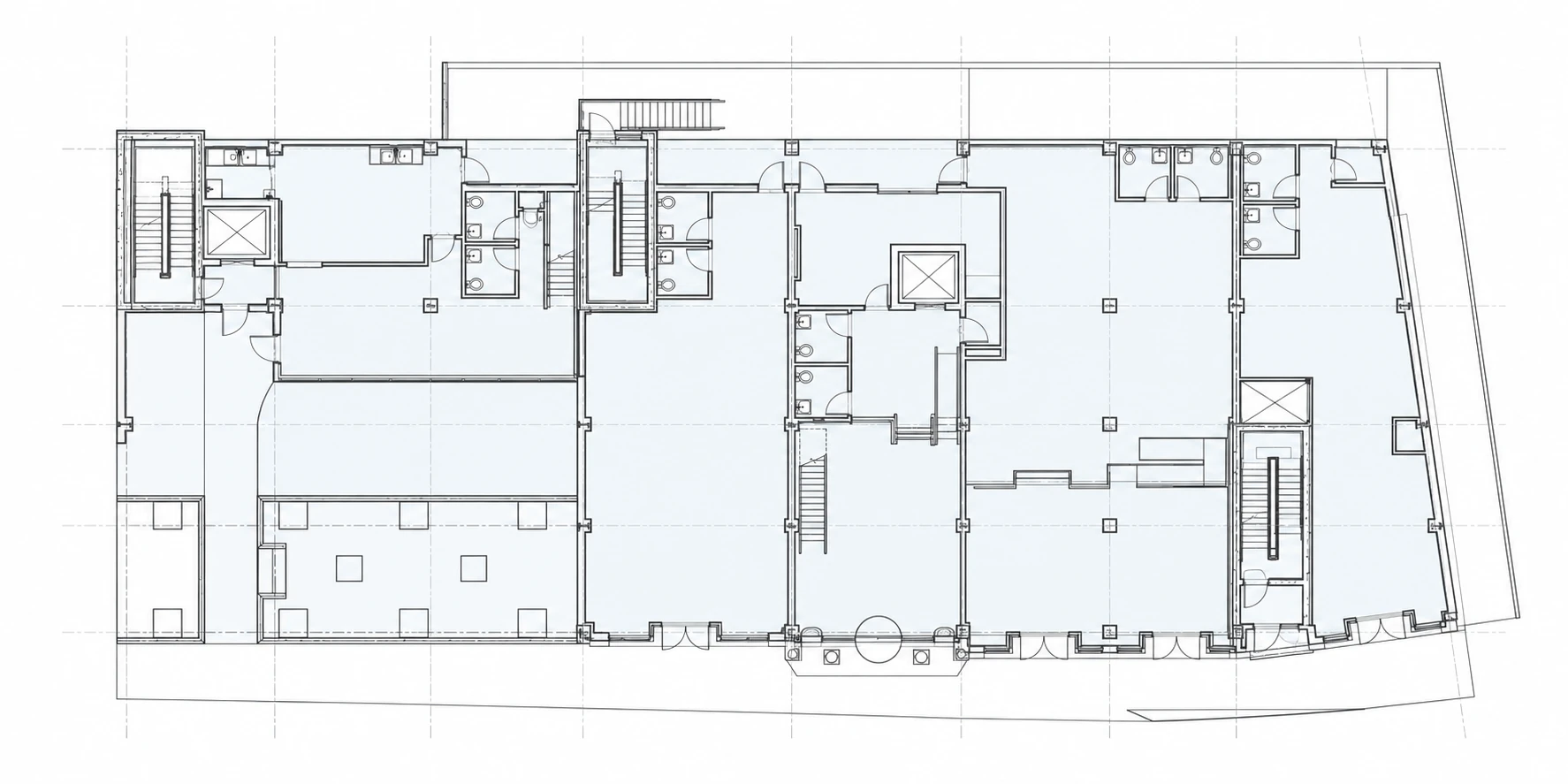
Upload your PDF floor plans and place numbered pins exactly where work needs attention, on your device or in the web workspace.
The project. The punch list. The whole team.
One shared place for every punch list.
From the first walkthrough to the final green pin.
Built around the drawing
Bring the architect, consultants, owner, and contractor together around the same project. Keep locations, photos, and progress connected instead of scattered across separate lists.
Numbered pins connect each punch item to its place on the drawing. Status colors make progress easy to follow.
From walkthrough to closeout
Upload your PDF floor plans and place numbered pins exactly where work needs attention, on your device or in the web workspace.
Add descriptions, take photos, and use voice-to-text in the field. Group punch lists by discipline or area.
Give each team member the right access. Contractors update item status while the team follows progress.
Export punch reports with item details, photos, and marked-up plans. Keep a PDF for your project records.
One project, connected
Your existing Pro-Punch account connects to the same projects and team permissions. No separate project database to maintain.
Walk the site, place pins, capture photos and observations, and prepare punch lists and field reports.
Manage the same projects, punch lists, and field reports from a larger screen using your existing account.
Project owners assign team access within their plan allowance. The same project permissions apply on the web and in the app.
Team-based plans
Choose the project capacity that fits your work. Each plan includes team access within the limits below.
$50USD / month
$70USD / month
$120USD / month
Admin / Member seats include the project owner. Upload limits count files, not individual pages inside a PDF. Current plan availability and billing details are shown in your account before subscribing.
Yes. Sign in with the same email and password you use in the mobile app. You only see the projects your account is authorized to access. New to Pro-Punch? Create an account online; project creation requires an active plan, and team access requires a project invitation.
No. Contractor access allows viewing and punch item status updates, not changes to the wording, pin positions, or deletion of items.
Yes. Save company and office details for reuse, then choose the appropriate company information and logo for each project.
Punch reports include a cover and status legend, item details, photos, and marked-up floor plans. Choose report content, photo layout, and sort order in the web workspace. Unverified pin positions are flagged rather than guessed; authorized team members can repair their placement on the drawing.
They work together on the same accounts and project data. Use the web workspace to manage projects and teams, edit punch items and field reports, work with drawings, and export PDFs. Camera, dictation, and device sharing depend on your browser and device support.
Bring the team together